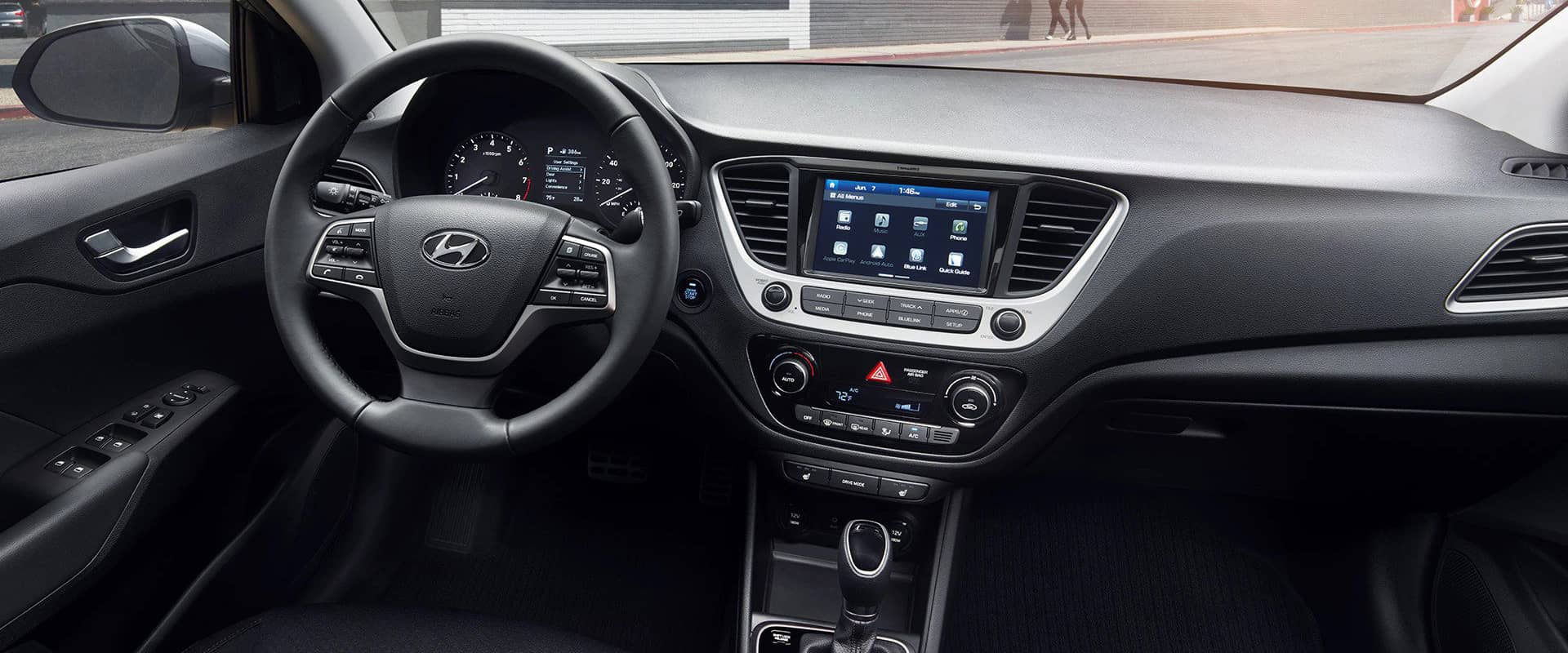
Whether you drive a Sonata or an Elantra, Hyundai Bluetooth is one of the most popular features in the entire brand lineup. From making hands-free calls in Humboldt to streaming music on the Milan highways, Hyundai Bluetooth offers seamless smartphone connectivity to enhance every drive. Want to find out how to connect Bluetooth to your Hyundai Sonata or Tucson? Get started with Allen Samuels Hyundai, and stop by Jackson for additional tips!
Is your vehicle compatible with Hyundai Bluetooth? Use Hyundai’s compatibility checker to find out. Generally speaking, models from 2009 and later should have this feature automatically equipped. That means you can shop either the new or used Hyundai inventory, and still find plenty of options to stay connected in Brownsville. Plus, you can use our vehicle finder service if you have something specific in mind.
If you want to master your Hyundai Elantra Bluetooth system, you can get the ball rolling in just a few minutes of your time. Here are the steps for how to connect Bluetooth to your Hyundai Sonata or other model.
What if you run into any problems? Feel free to reach out to our service center for assistance. Our technicians would be happy to complete the installation for you.
Want to learn how to connect Bluetooth to your Hyundai Sonata? Need help with your Hyundai Elantra Bluetooth settings? Contact us at Allen Samuels Hyundai. We’re here for all of your automotive needs, and you can also schedule a service appointment online at your convenience.
Discover how Allen Samuels Hyundai Jackson keeps West Tennessee drivers smiling mile after mile with no-cost factory-scheduled maintenance, exclusive service specials, and a friendly team that speaks your language. Why Complimentary Maintenance Matters in West Tennessee Whether you commute daily on I-40 from Jackson to Humboldt or cruise the rural roads near Lexington, routine maintenance is the key to a…
Wondering what maintenance is required for Hyundai vehicles to keep them humming along I-40 or cruising through downtown Jackson? Your Hyundai is engineered for reliability, but staying on top of routine service is the secret sauce to enjoying every mile — whether you’re commuting from Brownsville, heading to Lexington for a weekend escape, or navigating everyday…
When switching to a new electric vehicle, there’s one important feature most Humboldt drivers need to know: Driving range. When fully charged, you want your vehicle to handle your morning commute or weekend adventures without lengthy stops at a charging station. When you shop the selection of Hyundai electric vehicles, this range anxiety can be…